Establish Serial Connection
This section provides guidance how to establish serial connection between your board and PC.
- For MacOS
- For Windows
1. Install the USB driver
Download the SiLabs CP2104 Driver
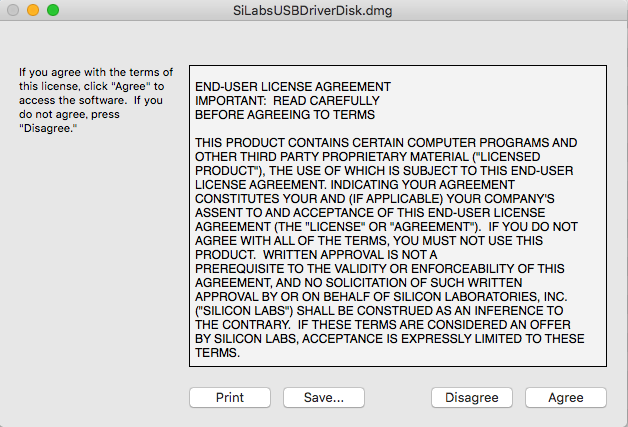
After the disk image SiLabsUSBDriverDisk.dmg was downloaded, mount it.
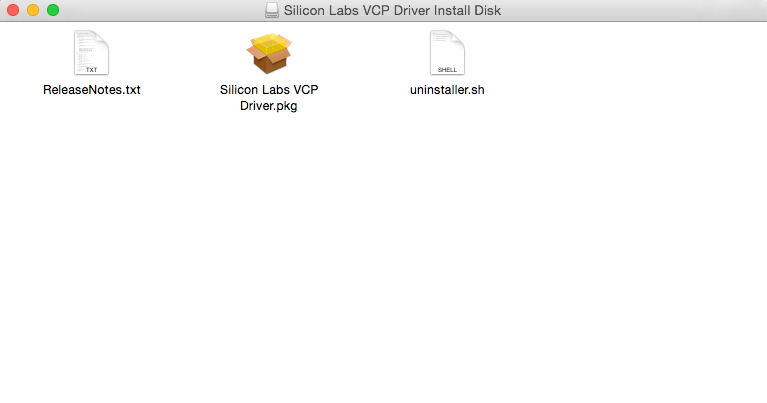
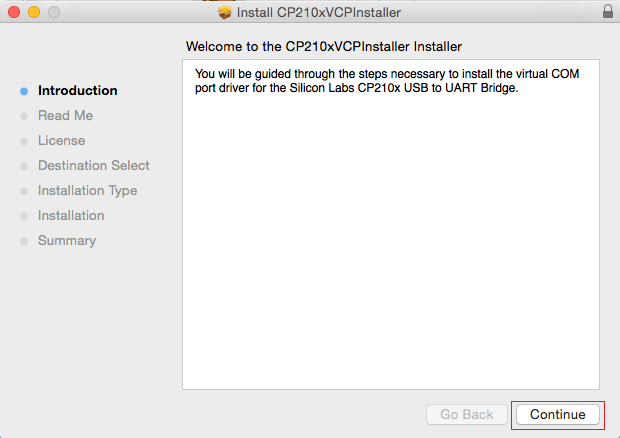
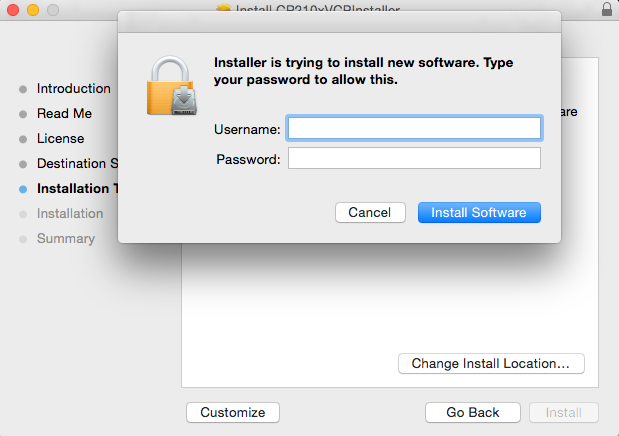
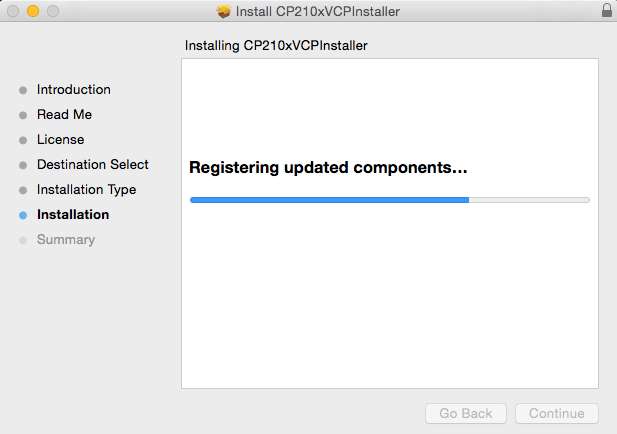
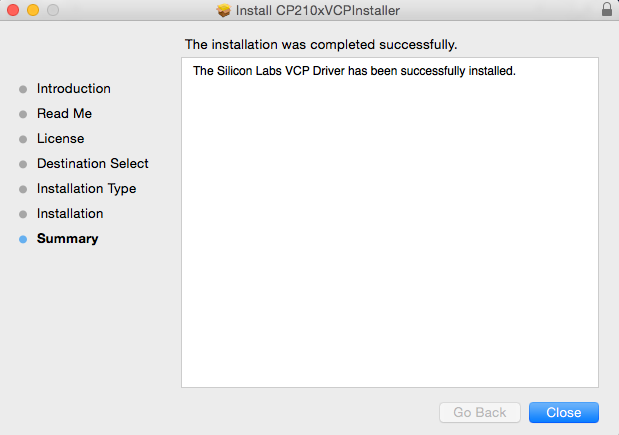
And install this USB driver following those screenshots.
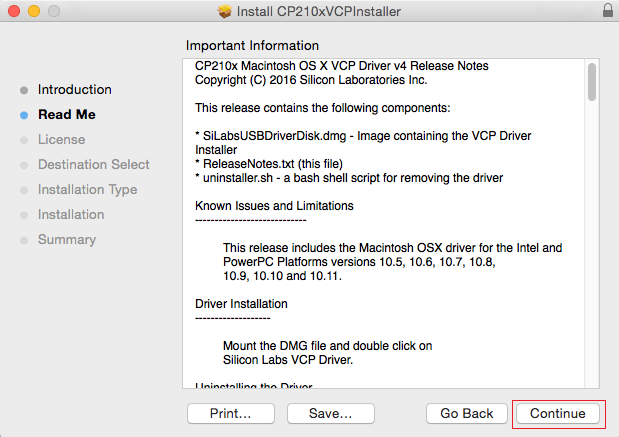
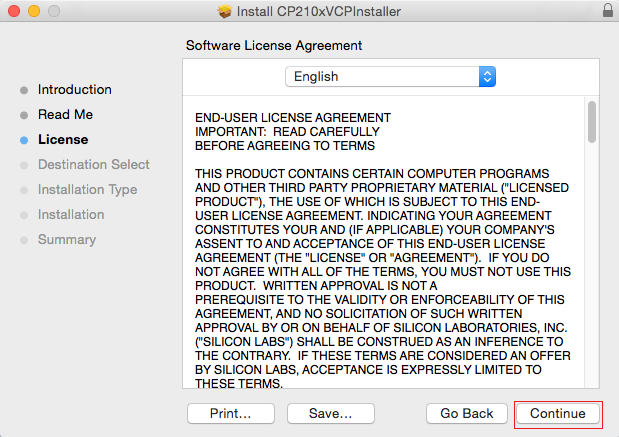
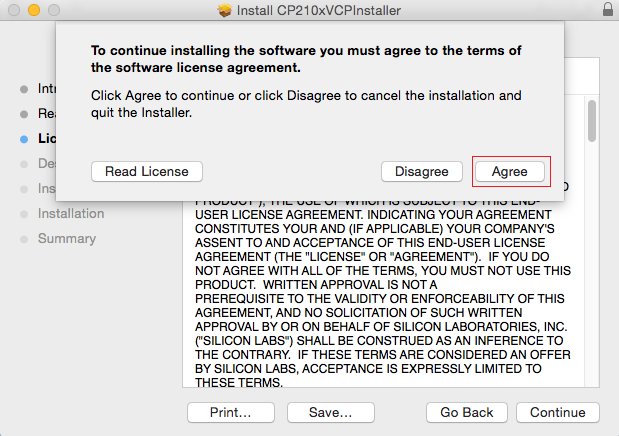
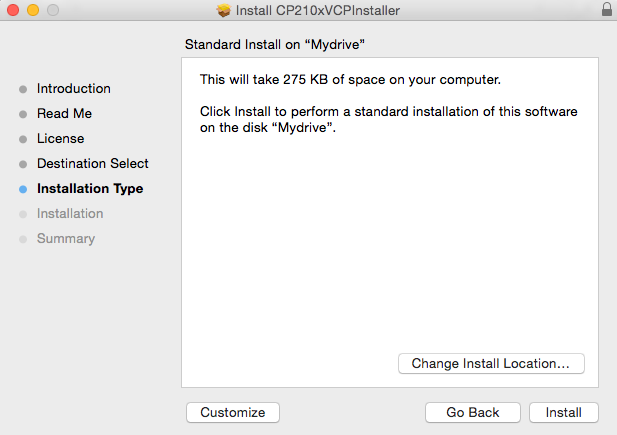
2. Check port on MacOS
To check the device name for the serial port of your your board board (or external converter dongle), open terminal and run this command two times, first with the board / dongle unplugged, then with plugged in. The port which appears the second time is the one you need:
MacOS
ls /dev/cu.*
1.Install the USB driver
Download the SiLabs CP2104 Driver
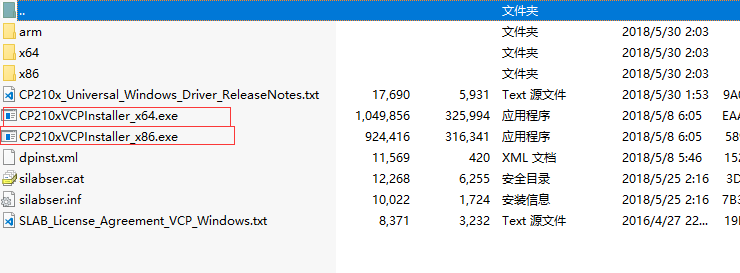
Choice the version of USB driver according to your windows version(Windows7/8/10).
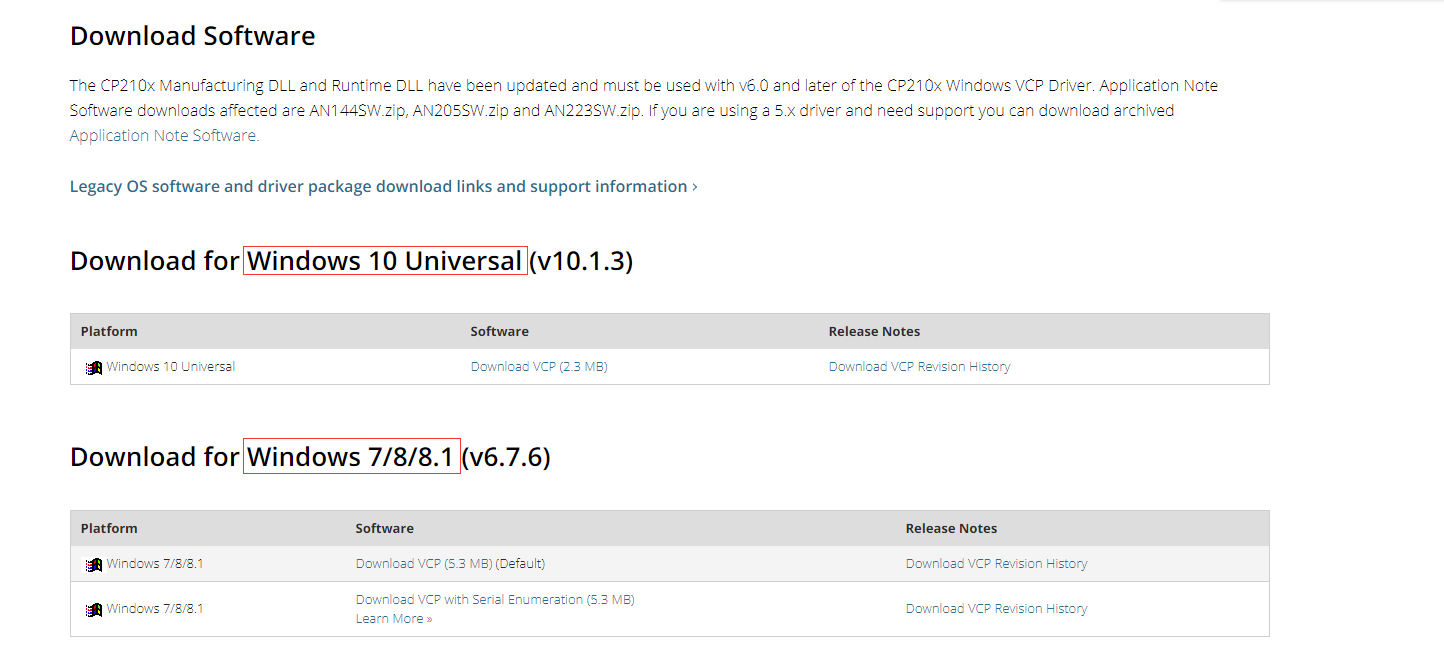
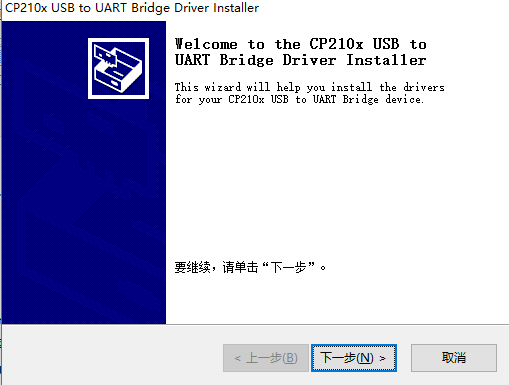
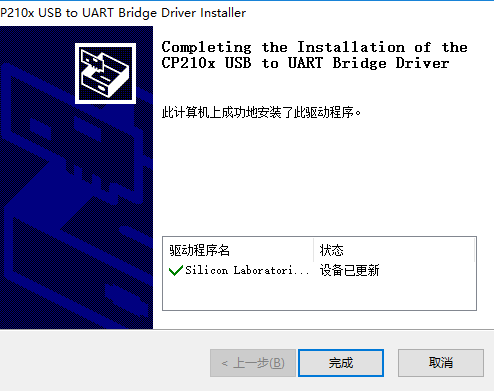
Choice the right version installer(x64/x86), and install it.
2. Check port on Windows
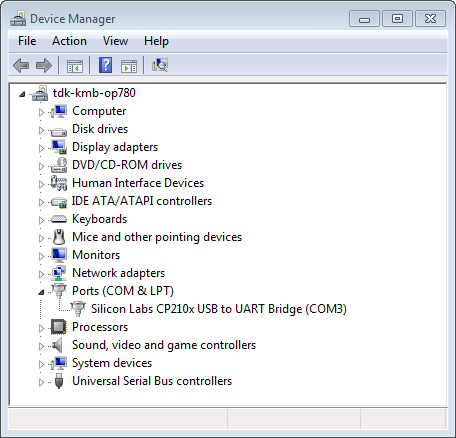
Check the list of identified COM ports in the Windows Device Manager. Disconnect your board and connect it back, to verify which port disappears from the list and then shows back again.
Figures below show serial port for Heltec board