Quick Start
Development Environment
For a New Installation: If you are setting up the nRF52840 development environment for the first time, follow the standard nRF52840 Development Environment Installation procedure.
For an Existing Installation: If you already have the nRF52840 development environment installed, we recommend using Git to pull the latest changes from the Heltec_nRF52 repository. After updating the repository, rerun get.exe in the tools directory to update the dependencies required for RC52 development.
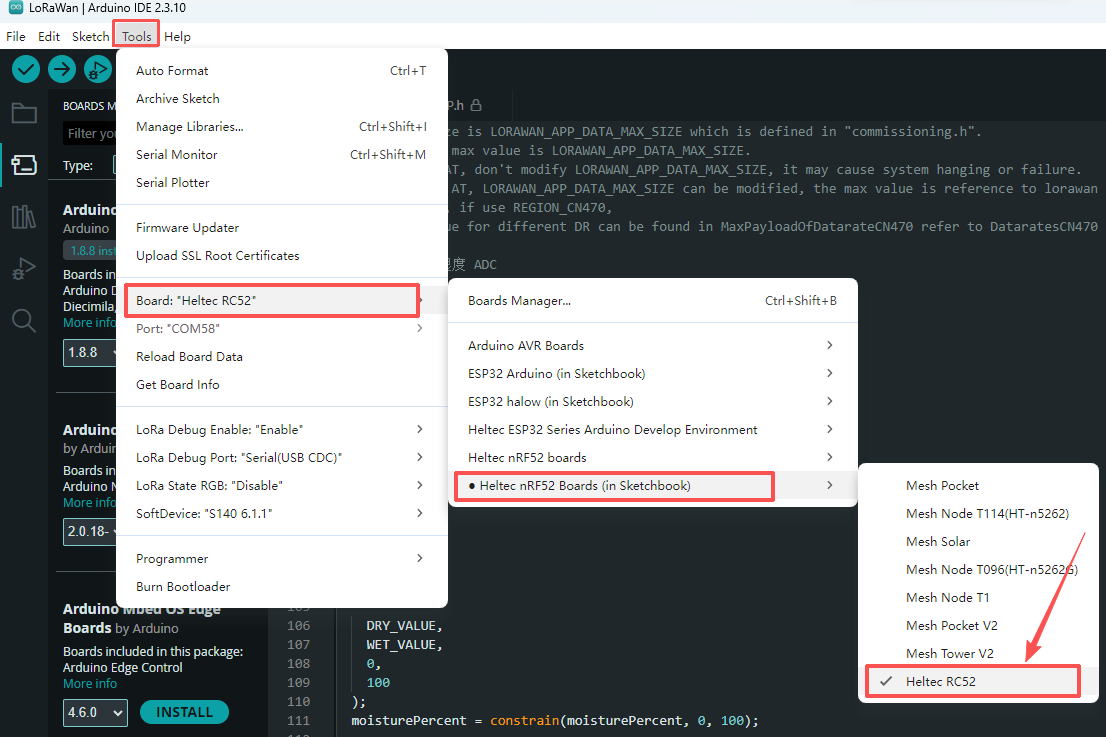
Once the development environment is installed, select the RC52 development board in your development tool, then select and run the appropriate example code.