Connect LoRa Server
Summary
This article aims to describe how to connect HT-M7603to a LoRa server, such as TTN/TTS, ChirpStack, which facilitates secondary development and rapid deployment of LoRa devices.
Before all operation, make sure the HT-M7603 is runing well . If not, please refer to this HT-M7603_Quick Start document.
- Connect to TTN/TTS
- Connect to ChirpStack Server
Register a LoRa gateway in TTN/TTS
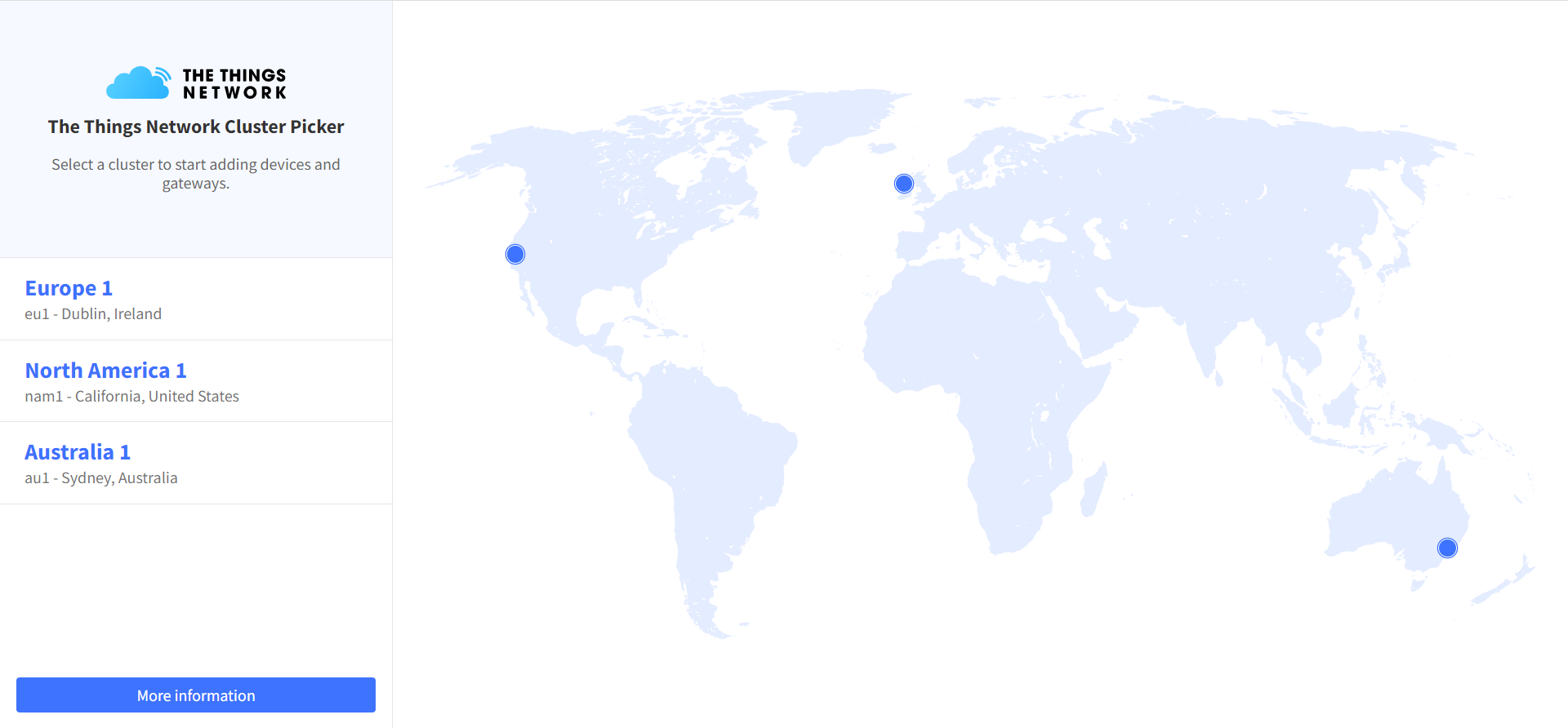
Select a cluster in the TTN console page to start adding devices and gateways. Or start adding devices and gateways in TTS console.
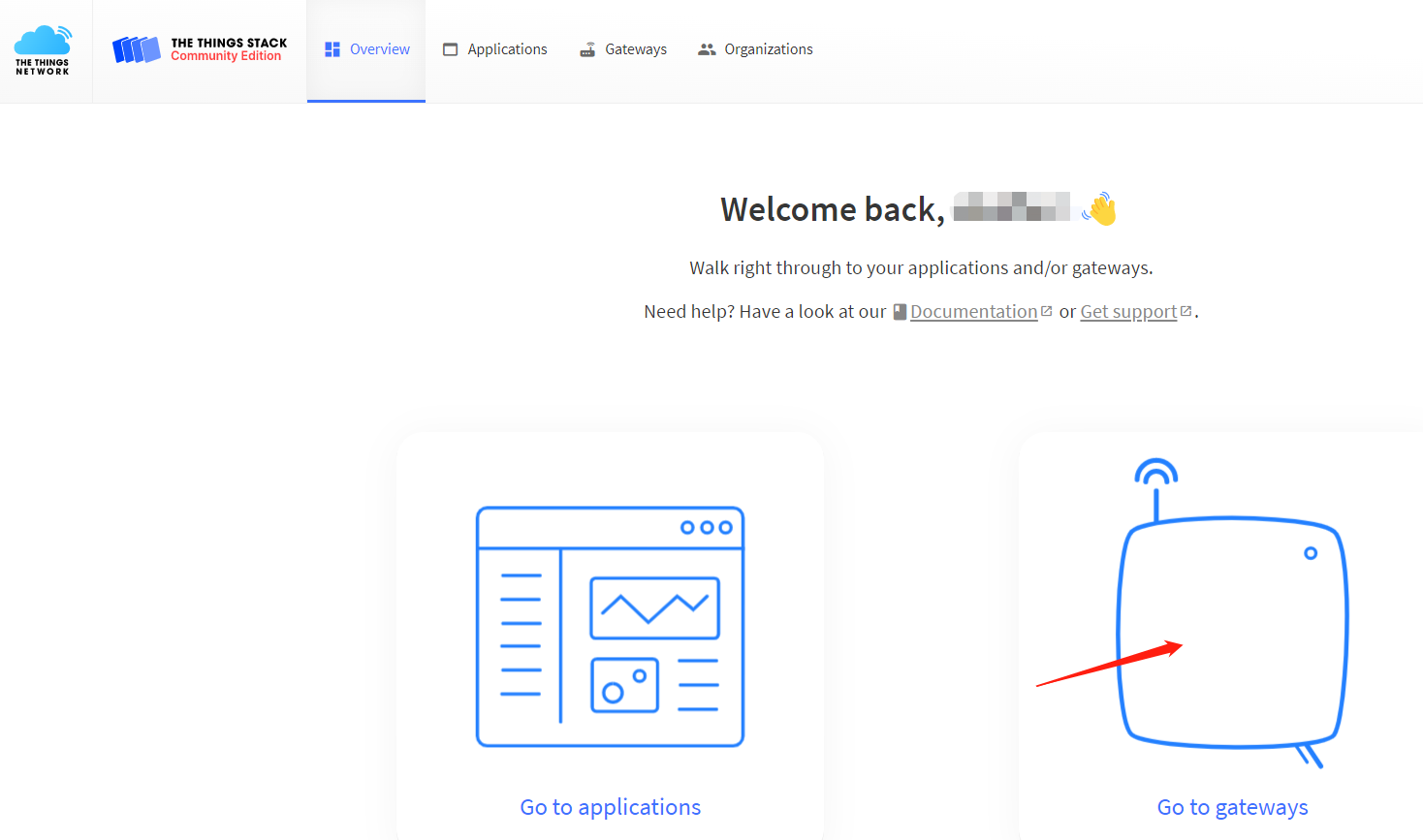
Create a new gateway.
Fill in the HT-M7603 information as shown below and complete the addition.
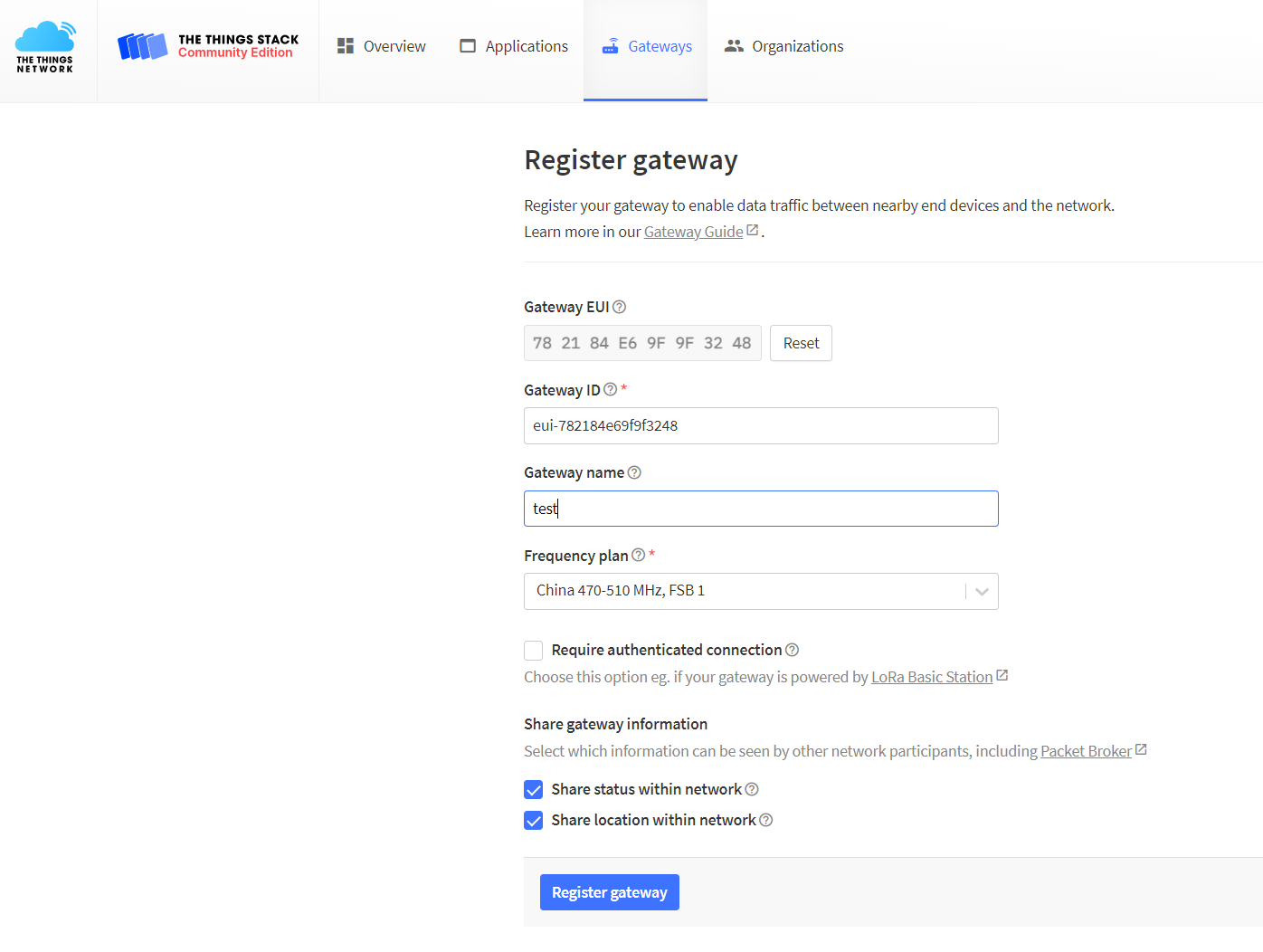
- Gateway EUI -- The unique ID of HT-M7603 gateway, view from configuration page.
- Gateway ID -- Generated by default.
- Gateway name -- Filled in by the user, can be filled in arbitrarily.
- Frequency Plan -- Matches the LoRa band configuration in HT-M7603.
Configure the Gateway
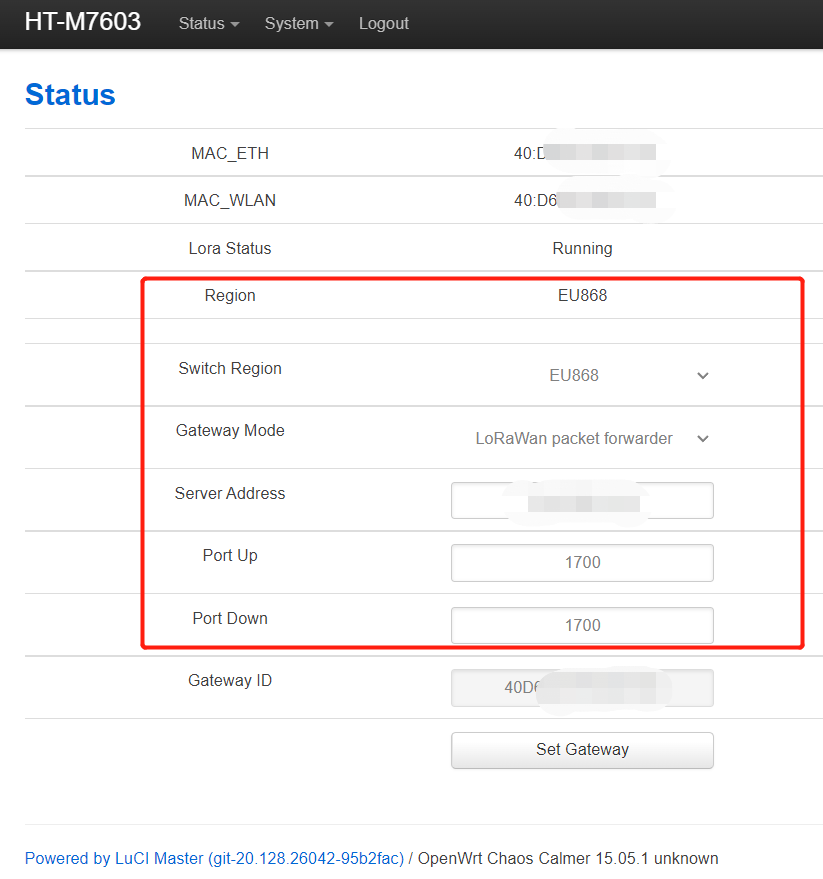
In the HT-M7603 gateway, the server address, port, switch region,gateway mode need to be configured in the "HT-M7603 Config" interface, please refer to the HT-M7603 document.
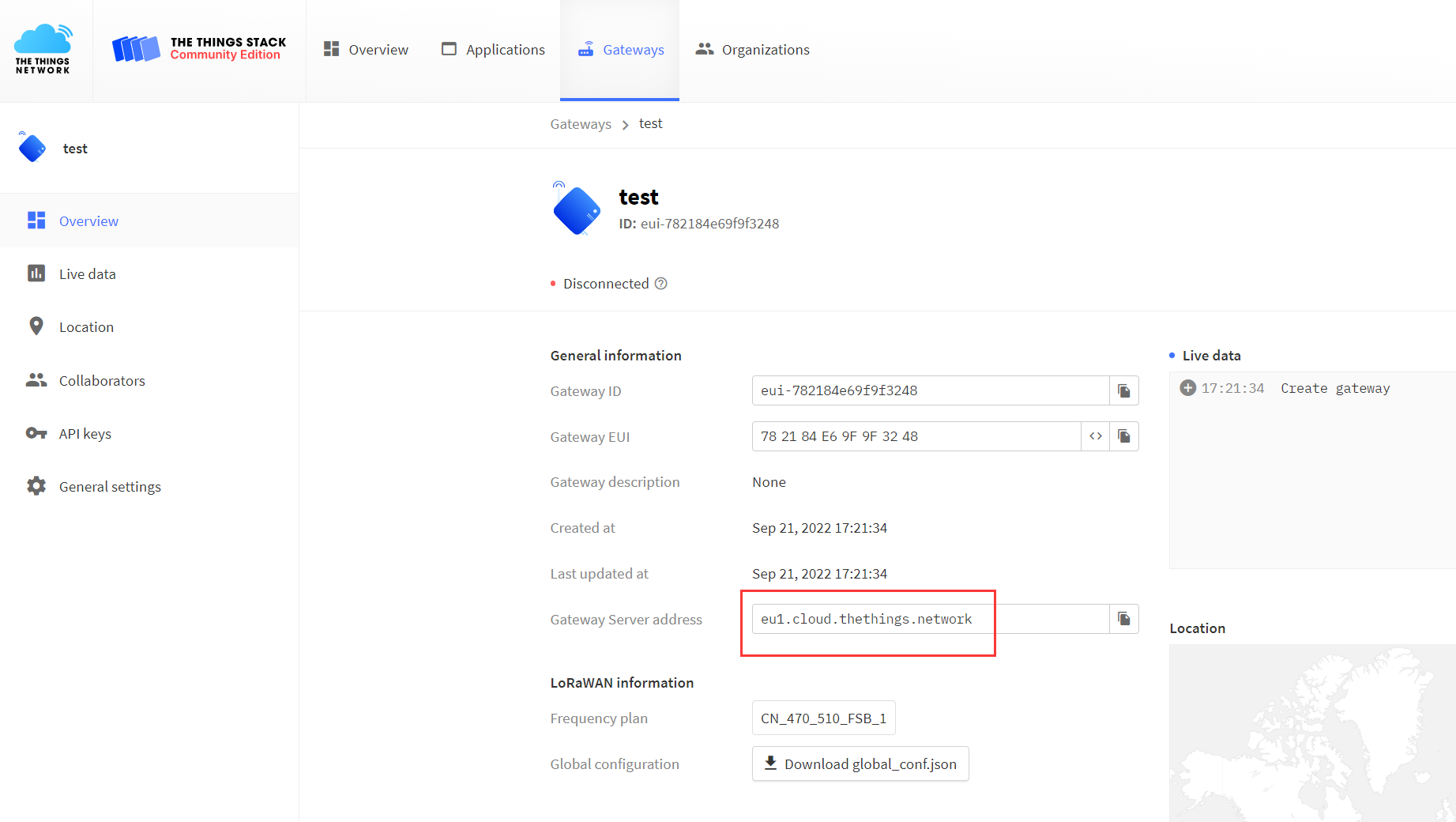
Check the server address in the gateway details.
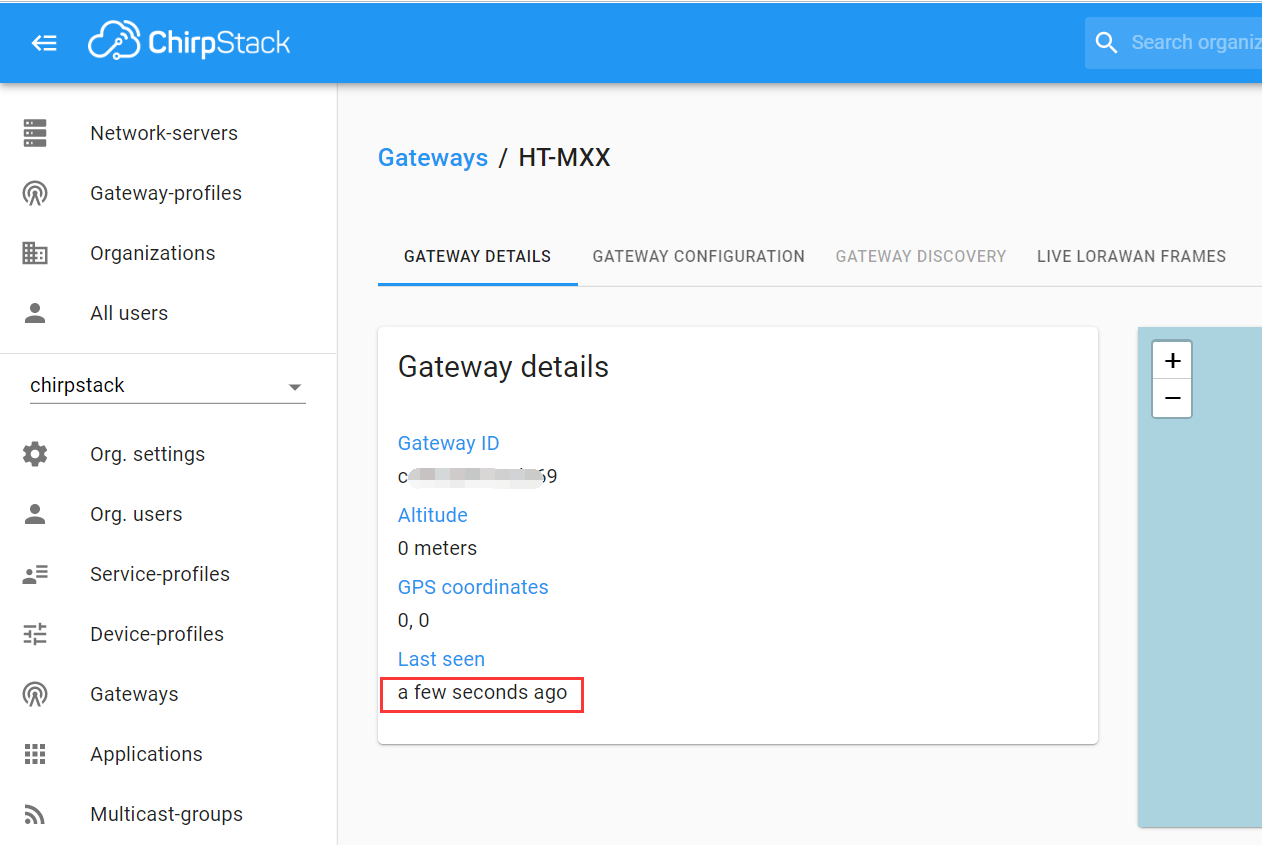
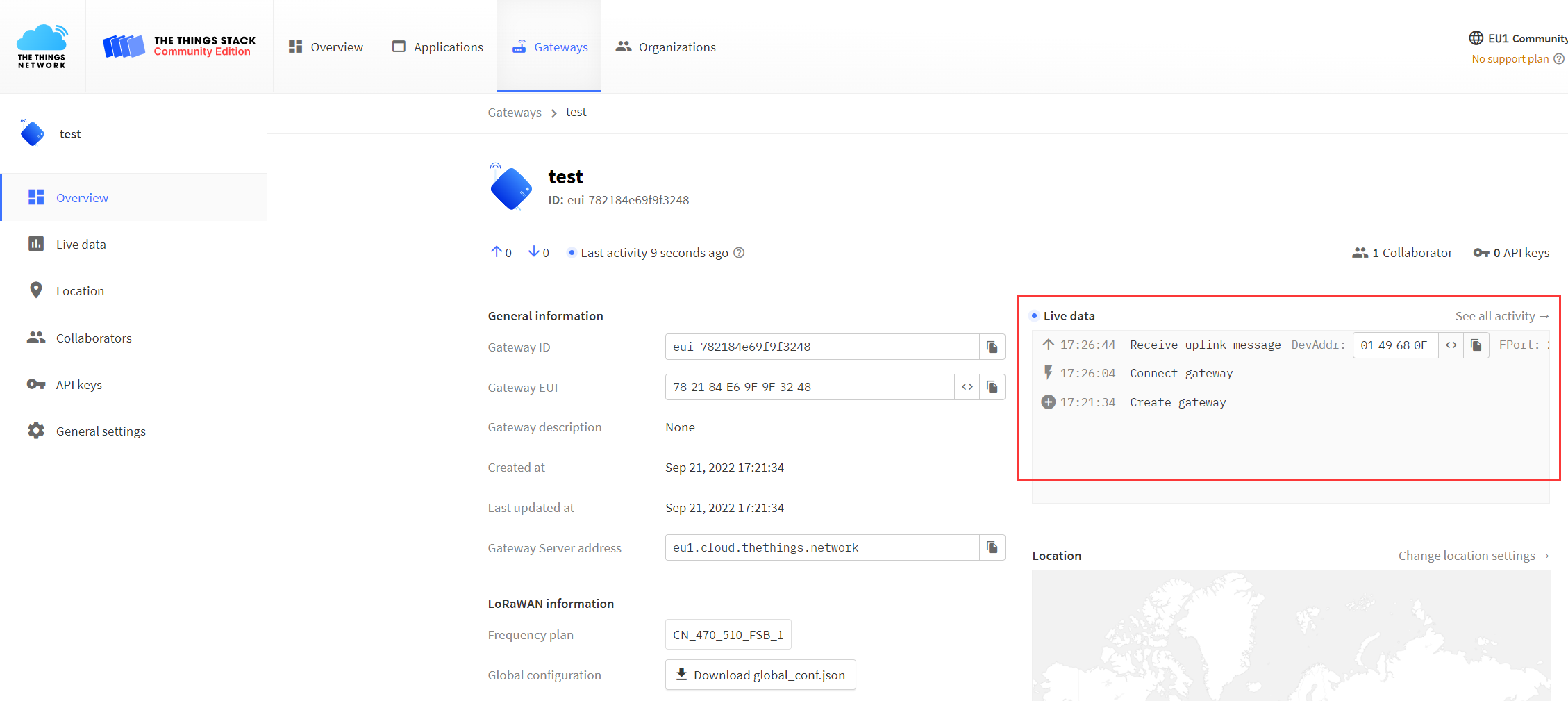
View gateway status, it is running:
ChirpStack is the most popular LoRa server open source project, widely used in many fields, and also the best choise for a private LoRa server.
- ChirpStack Installation guide: https://www.chirpstack.io/overview/
- ChirpStack support forum: https://forum.chirpstack.io/
ChirpStack Gateway Bridge
One thing need attention! the ChirpStack need a special service named Gateway Bridge, which converts LoRa® Packet Forwarder protocols into a ChirpStack Network Server common data-format (JSON and Protobuf).
the Gateway Bridge service can running on the Raspberry Pi or the ChirpStack server.
Install ChirpStack Gateway Bridge: https://www.chirpstack.io/gateway-bridge/install/debian/
Register LoRa Gateway in ChirpStack
Fill in the HT-M7603 information as shown below and complete the addition.
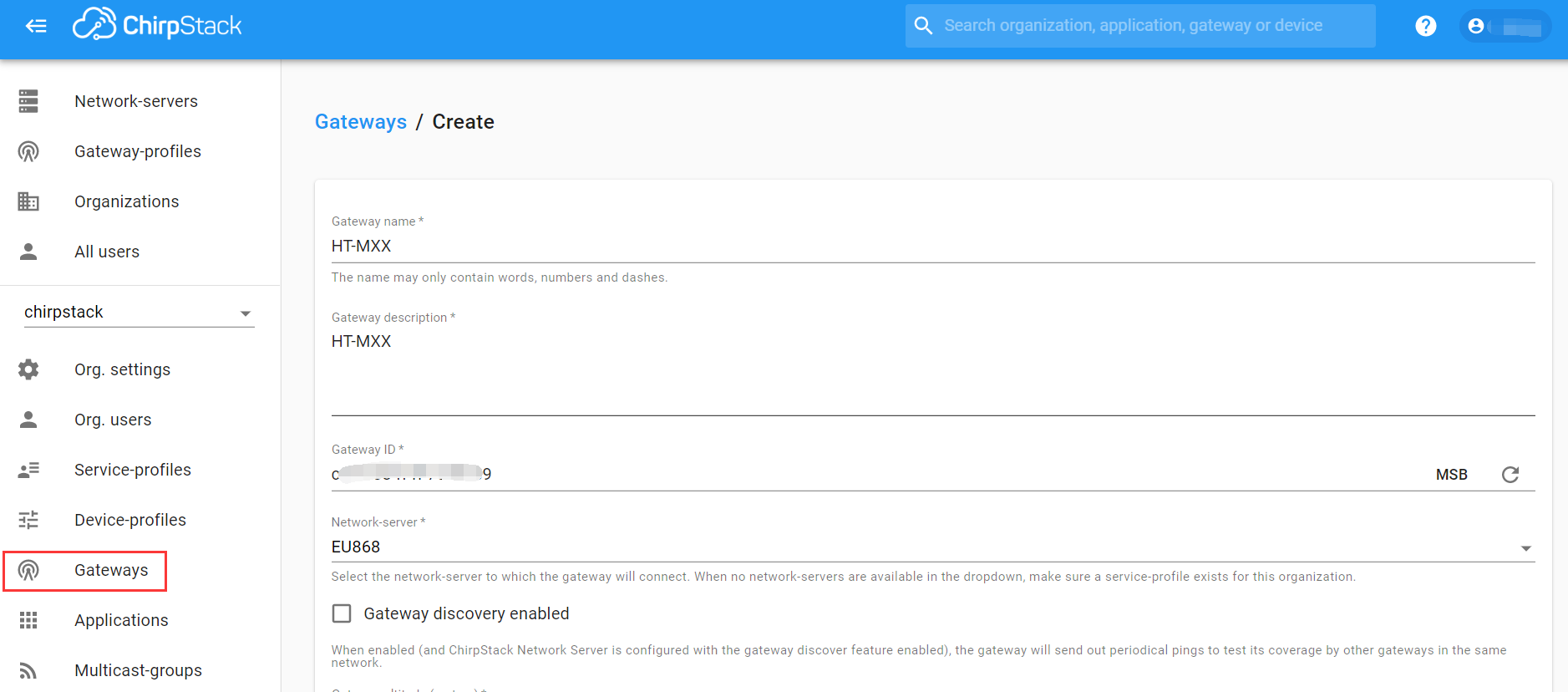
- Gateway ID -- The unique ID of HT-M7603 gateway, view from configuration page.
Connect to ChirpStack server
In the HT-M7603 gateway, the server address, port, switch region,gateway mode need to be configured in the "HT-M7603 Config" interface, please refer to the HT-M7603 document.
View gateway status, it is running: