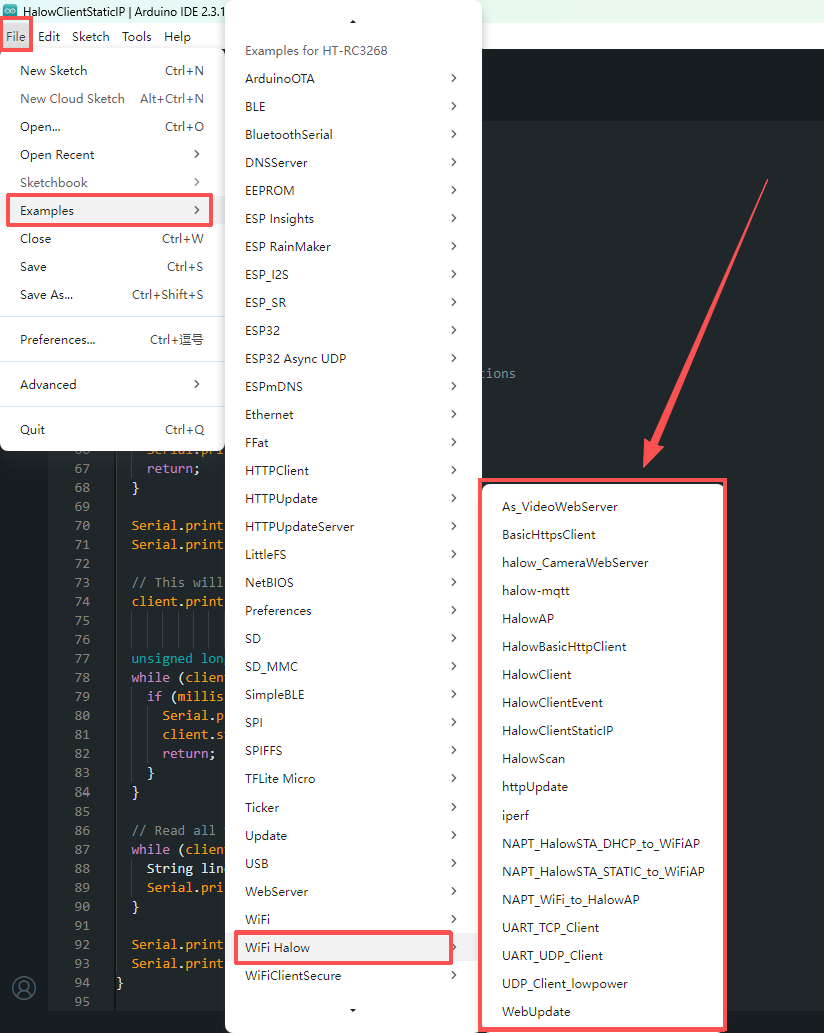
How to Install ESP_HaLow Development Environment
The ESP_HaLow development environment setup is similar to the ESP32 development environment. If you are already familiar with the ESP32 setup process, you can skip this section and proceed directly to the ESP_HaLow Quick Start Guide.
Required Software
- Install Arduino IDE and configure the required settings in Preferences, as shown in the following image.
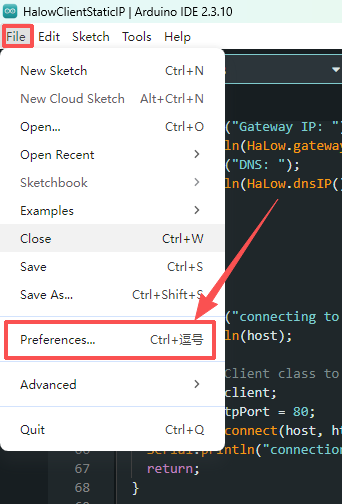
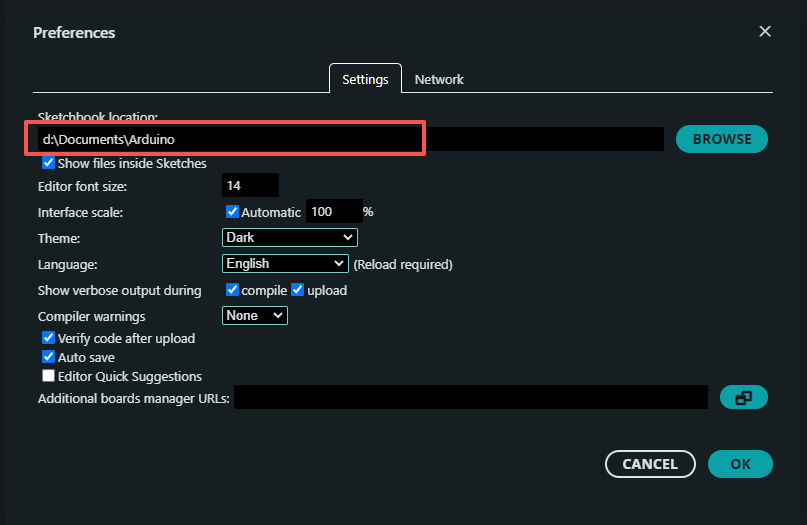
2.Place the downloaded ESP_HaLow Framework folder into: D:\Documents\Arduino\hardware\heltec
3.Then run: ESP_HaLow\tools\get.exe to download the required dependencies.
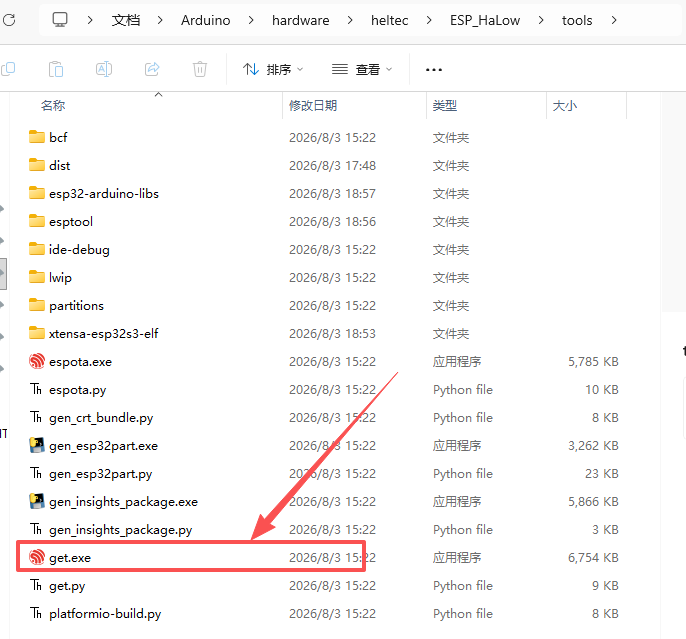
If get.exe fails to download the dependencies, download them manually according to: package_esp32_index.template.json
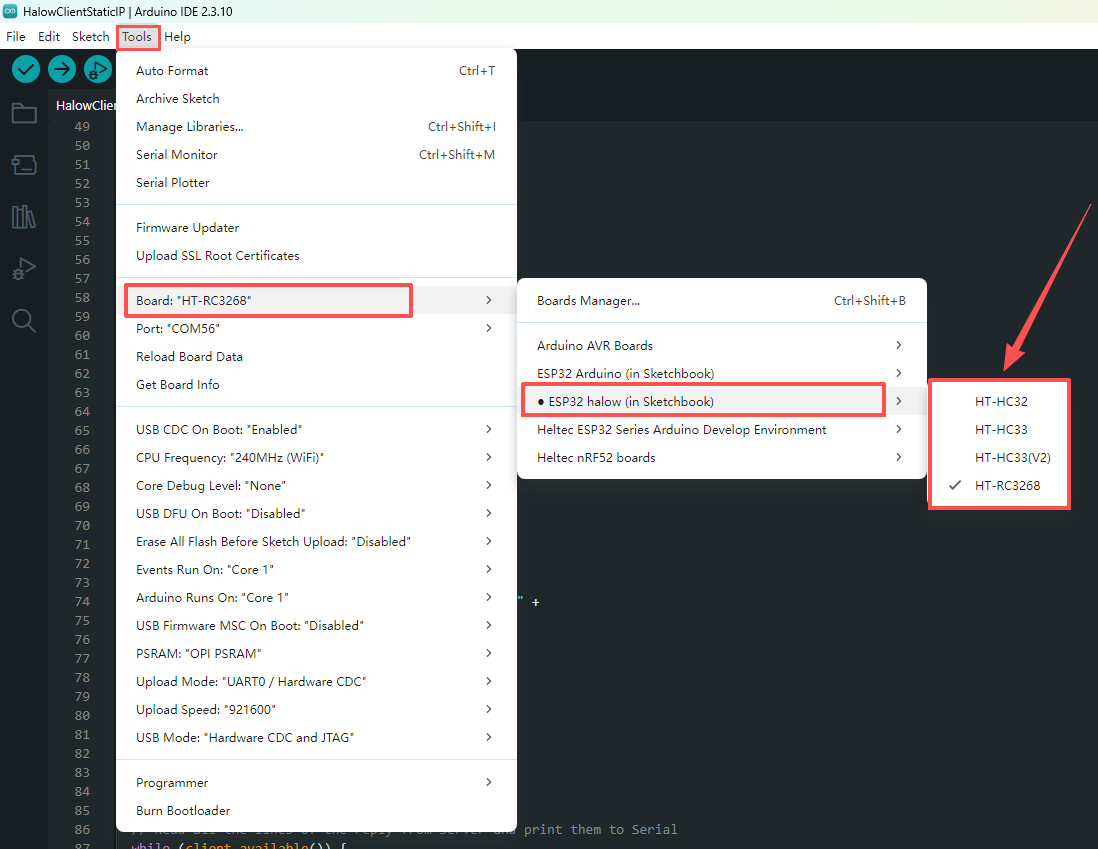
3.Select Board and Upload Example, Restart Arduino IDE, then select:
Tools → Board → ESP32HaLow → Select your board
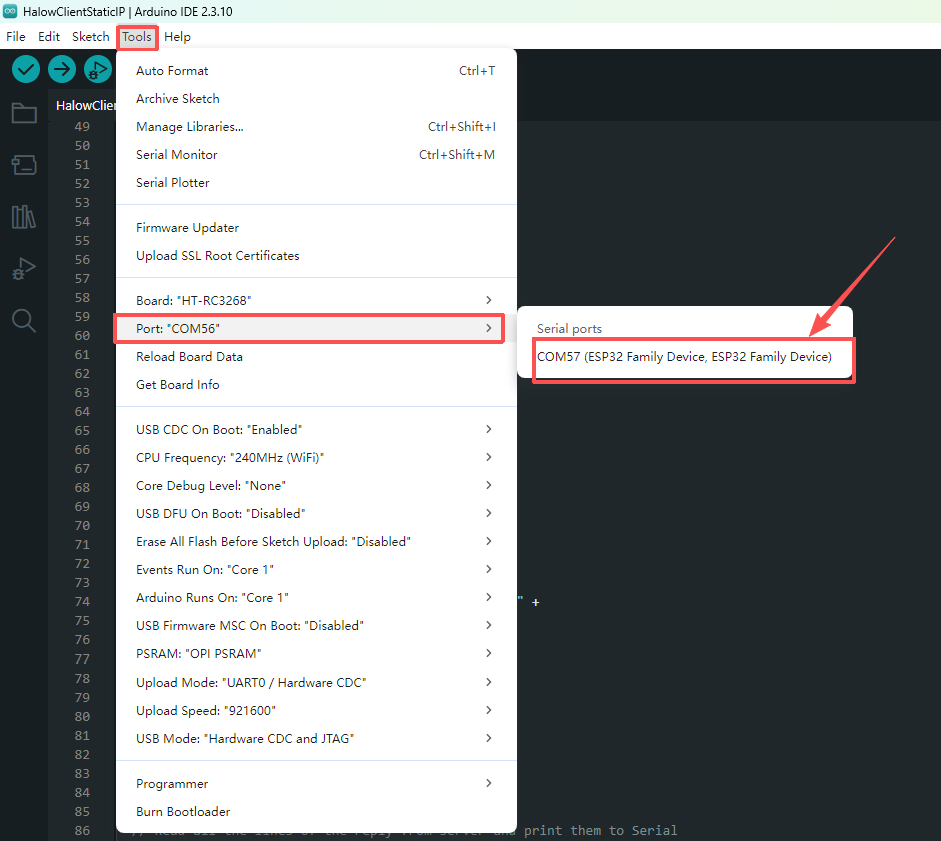
4.Select the connected device: Tools → Port
5.Open an ESP_HaLow example and upload it to the device. For more details, please refer to the ESP_HaLow Quick Start Guide.